👁️Digital Eye Strain and Computer Vision Syndrome: Causes, Symptoms and Relief
Long screen hours cause tired, dry eyes and blurred vision. Learn what computer vision syndrome is, how to relieve it, and when to see an eye doctor.
Scanura Editorial
Health Education Team
Written by Scanura Editorial for health education. This article is not a substitute for advice from a qualified doctor. About our editorial standards
Digital Eye Strain and Computer Vision Syndrome: Causes, Symptoms and Relief
If your eyes feel tired, dry or gritty after a long day on the phone or laptop, you are not alone. Prolonged screen use is one of the most common reasons people visit eye clinics with vague visual discomfort. The cluster of symptoms is often called digital eye strain or computer vision syndrome (CVS).
This guide explains what causes it, how to relieve it, the evidence behind the 20-20-20 rule, and when blurred vision needs an eye exam. It is educational, not a substitute for an eye-care professional.
Direct Answer: Is Screen Time Damaging Your Eyes?
Digital eye strain causes real, temporary discomfort, but there is no good evidence that screens permanently damage the eyes in adults. Symptoms — tired eyes, dryness, blurred vision, headache — usually improve with breaks and ergonomic changes.
Children are a different consideration: prolonged near-work and screen time are linked to the development and progression of myopia (short-sightedness), so outdoor time and breaks matter more for them.
What Computer Vision Syndrome Means
CVS is not one disease. It is a group of eye- and vision-related problems from prolonged use of digital screens. Contributing factors include:
- Reduced blink rate (eyes dry out faster)
- Poor screen position or lighting
- Uncorrected vision problems (astigmatism, presbyopia)
- Glare and low contrast
- Long uninterrupted near-focus
Symptoms at a Glance
| Common symptom | Likely cause |
|---|---|
| Tired, sore eyes | Prolonged focusing and reduced blinking |
| Dry, gritty feeling | Evaporation from infrequent blinking |
| Blurred distance vision after screens | Temporary focusing spasm |
| Headache | Eye strain, poor posture, glare |
| Neck and shoulder pain | Poor screen height or seating posture |
Symptoms usually worsen through the day and improve after rest or sleep.
Practical Relief: The 20-20-20 Rule and Beyond
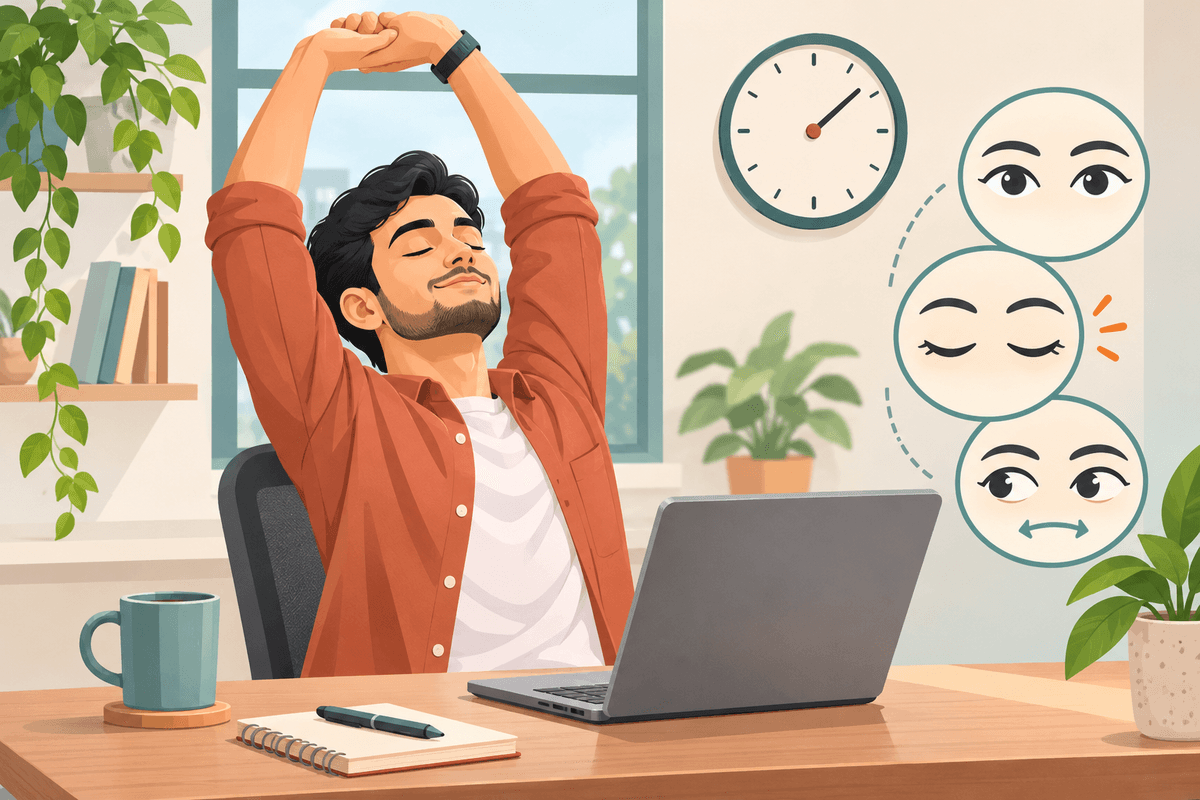
The most widely recommended habit is the 20-20-20 rule: every 20 minutes, look at something at least 20 feet (about 6 metres) away for 20 seconds. This relaxes the eye's focusing muscle.
Additional steps:
- Position the screen about an arm's length away, with the top slightly below eye level.
- Blink more — screen use cuts blink rate; use preservative-free lubricating drops if eyes feel dry.
- Match screen brightness to the room and reduce glare with a matte filter or by repositioning.
- Increase text size so you are not leaning forward or squinting.
- Take real breaks — step away from all screens for at least 5 minutes every hour.
- Get an eye exam — uncorrected vision problems make strain much worse.
Children and Myopia
For children, recreational screen time should be balanced with outdoor play. Time outdoors in daylight is one of the best-supported ways to reduce myopia risk. If a child squints, sits very close to screens, or complains of blurred distance vision, book a pediatric eye exam.
When to See an Eye Doctor
- Blurred vision that does not improve after a break
- Persistent headache, dryness or eye pain
- Double vision or sudden vision changes
- You have never had a routine eye exam, or it has been over two years
An optometrist or ophthalmologist can check for uncorrected refractive error, dry eye, and other causes.
Key Takeaways
- Digital eye strain is real but usually temporary — screens do not appear to permanently damage adult eyes.
- Common symptoms: tired eyes, dryness, blurred vision, headache, neck pain.
- Use the 20-20-20 rule — every 20 minutes, look 20 feet away for 20 seconds.
- Fix ergonomics — screen distance, height, brightness and glare matter.
- Blink more and use lubricating drops if eyes feel dry.
- Children need outdoor time to help reduce myopia risk.
- See an eye doctor if symptoms persist or vision changes suddenly.
Sources and Further Reading
- PMC — Digital Eye Strain: A Comprehensive Review
- American Optometric Association — Computer Vision Syndrome
This article is for educational purposes only. Scanura does not provide medical diagnosis or treatment advice. Always consult your eye-care professional for personal vision concerns.
Medical References
Step-by-Step Guide
- 1
Use the 20-20-20 rule
Every 20 minutes, look at something 20 feet away for at least 20 seconds.
- 2
Position the screen correctly
Keep the screen about an arm's length away and slightly below eye level.
- 3
Blink and use tears
Blink more often; use preservative-free lubricating drops if eyes feel dry.
- 4
Adjust lighting and glare
Match screen brightness to the room and reduce glare with a matte filter or repositioning.
- 5
Take screen breaks
Step away from all screens for at least 5 minutes every hour.
- 6
Book an eye exam
See an optometrist or ophthalmologist if blurred vision, headaches or dryness persist.
📬 One health report guide, every week
Normal ranges, what your values mean, and what to ask your doctor — in plain language. Free, unsubscribe anytime.